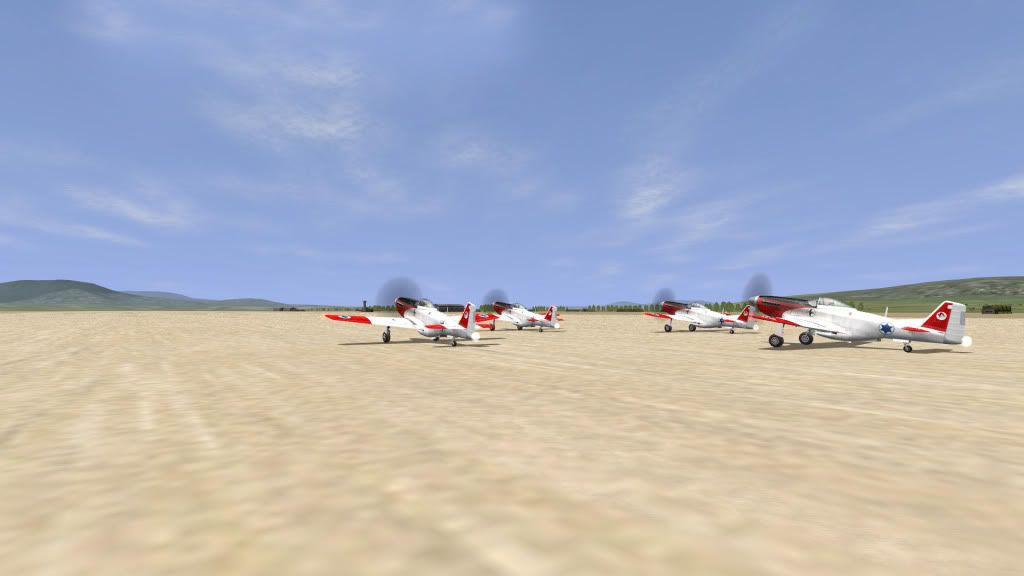
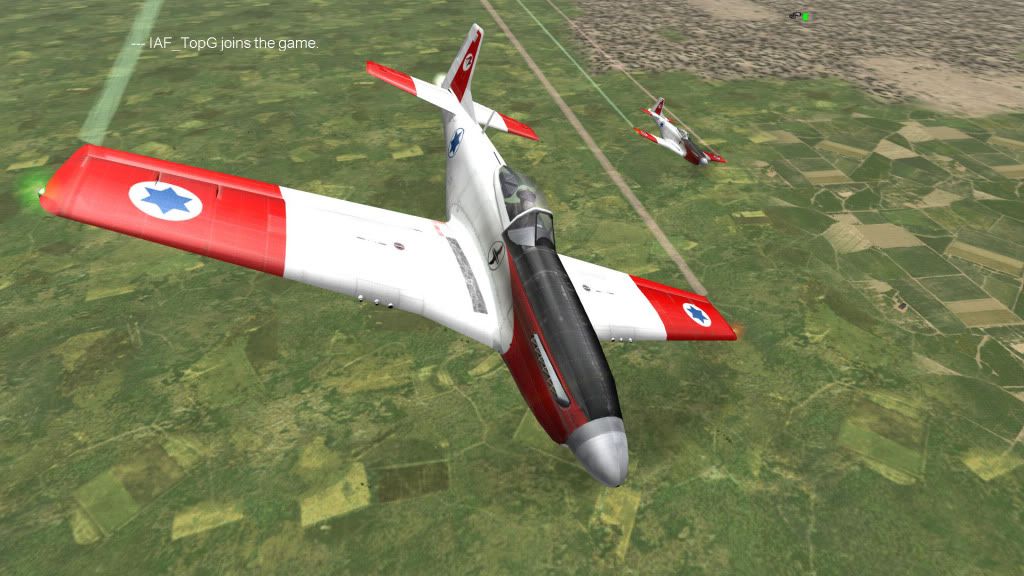
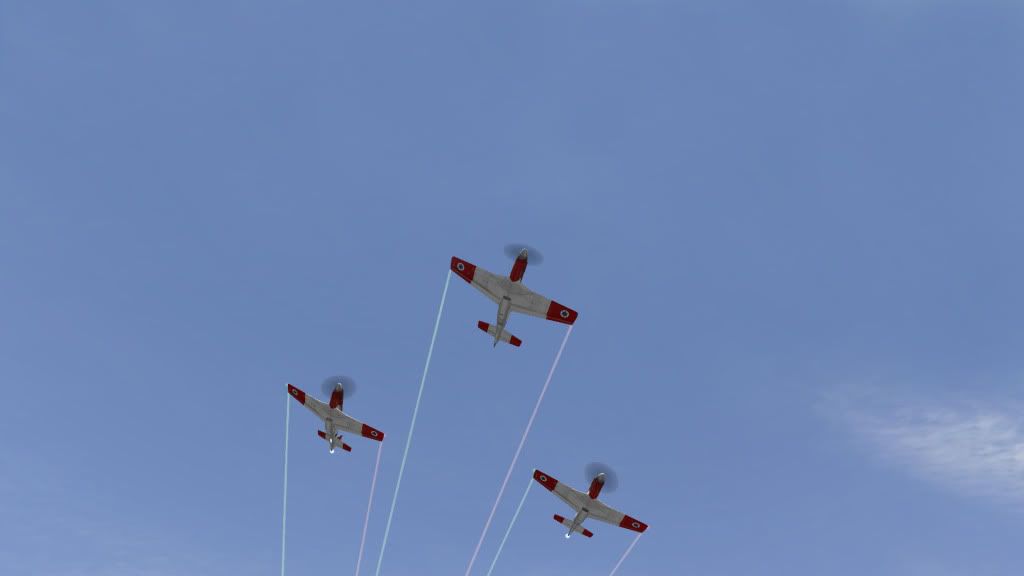
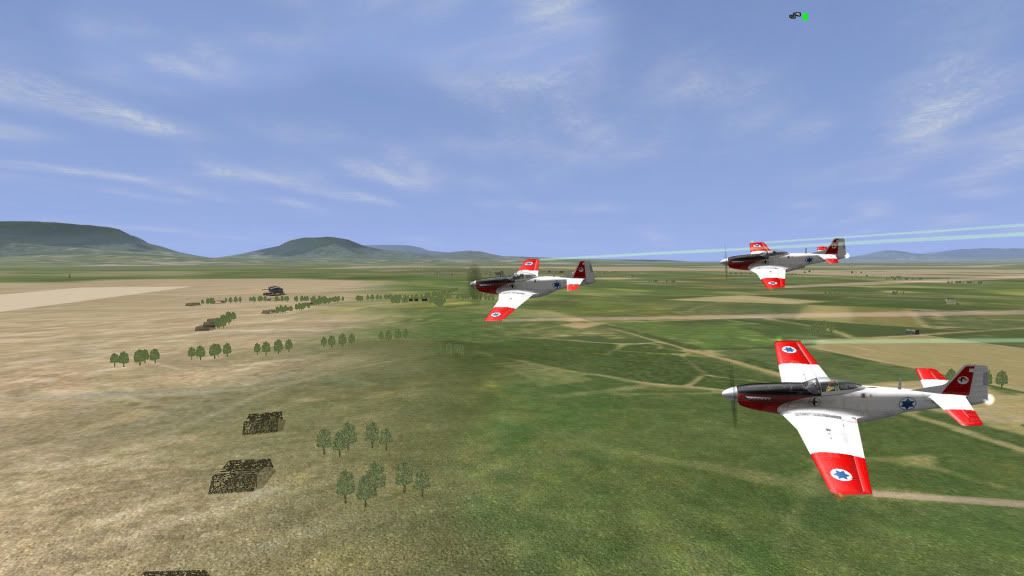
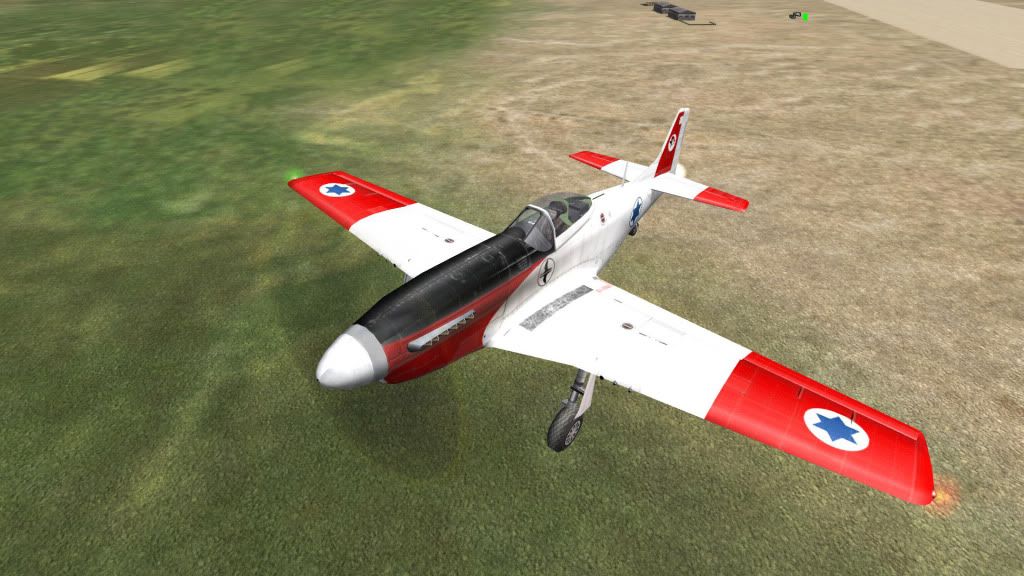
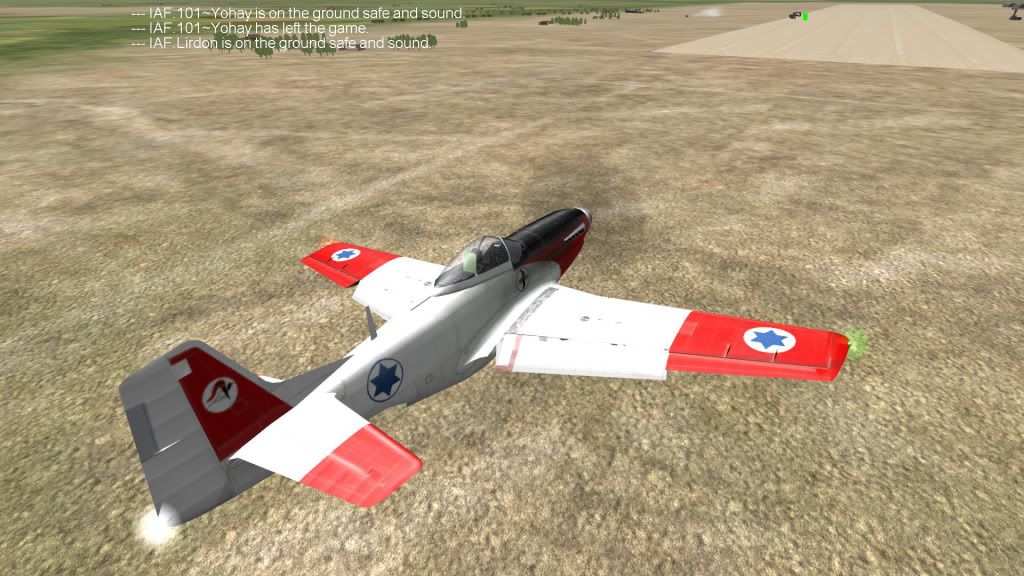
אנחנו מתחילים להכניס קצת מודים ושפצורים כדי שהמבנים יראו יותר טוב:
1. סקין - אור עובד על משהו וברגע שזה יהיה מוכן זה יעבור לכל מי שמשתתף.
2. מפת ארץ ישראל - אנחנו נטוס מעל הארץ אז אני מציע לכולם להתעדכן עם העדכונים הכי אחרונים כדי שכולם יכלו לטוס ביחד.
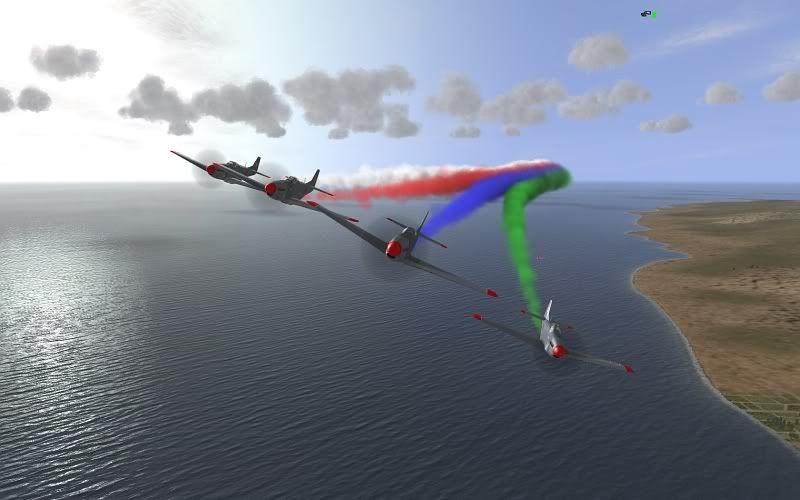
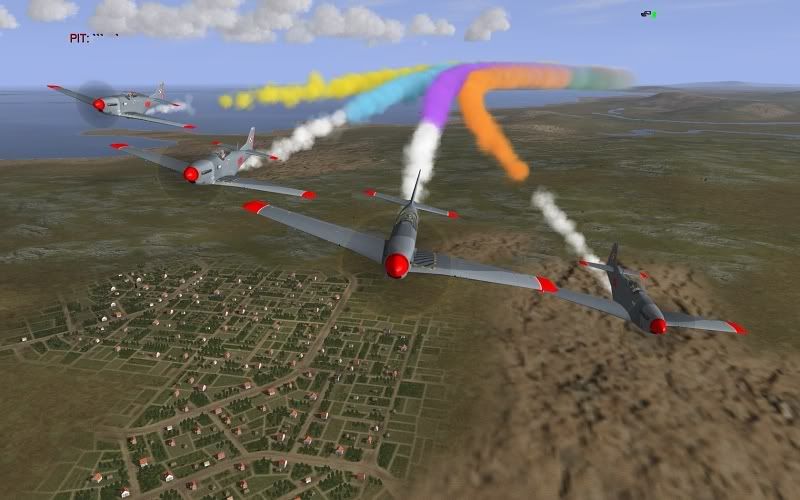
3. מוד עשן - אנחנו נכניס מוד עשן כדי שנוכל לעשות מבנים עם צבעי הדגל - כחול לבן למי שלא יודע 🙂
לינק למוד - http://www.sendspace.com/file/32najm
ההתקנה
מדובר על גרסת HSFX5.0.1, לא בדקתי על גרסאות אחרות, גם לא אמורה להיות בעיה להעביר את המוד חזרה לצד הלא פעיל בסוף ולעבוד שוב עם המוד הרגיל של HSFX.
א. מכניסים את התיקייה שיש בתוך הRAR ל - jsgmemods (תיקייה שבתיקייה הראשית של המשחק).
ב. שלב רשות - מכניסים לconf.ini את השורות הבאות:
[AutoCamView]
בדקתי מוד העשן עובד מצויין, הוא גם מאפשר להגדיל את זוית הראייה בתא הטייס, ובשבילי זה ממש חשוב...
שבוע הבא טסים עם המוד ועם הסקין...
אור, אם תועיל להעלות קישור לסקין לפורום, אני אשמח לפרסם אותו בהכרזה הבאה לאימון, תודה מראש.
מסתבר שמוד העשן של PAT הוא הרבה יותר מסתם מוד עשן....
What is inside the mod (incomplete list):
1. P-51D20NA changes:
- ability to open canopy,
- removed gun sight,
- fixed landing lights,
- reduced fuel tanks (aerobatic version)
- the most powerful Merlin available to P-51 fitted,
- guns removed.
2. Ki-61 Ko changes:
- guns removed,
- smoke generators added,
- some FM corrections.
3. Better physics on the ground - no more sliding like on ice. More realistic brakes.
4. Steering surfaces position are transmitted over the network.
5. New smoke system with multiple colours:
- additional keys in config,
- propeller wash effect.
6. New fixed cameras:
- available via F8,
- mouse movements + buttons to move the camera,
- press F9 to change from movement to rotation,
- F9 changes also the behaviour of the F2 camera.
7. Wind configuration via mission file:
- you can set additional fields in [WEATHER] section:
WindVelocity 0.0
WindDirection 0.0
WindTop 0.0
WindTurbulence 0.0
WindGust 0.0
all except Velocity are (probably) in m/s.
- an object "Windsock" which shows the current wind available as static object from FMB.
8. Removed the network connection bar from the right top side of the screen.
9. Changed the speed bar to show trimms positions.
10. Added static, auto-following camera, useful for real-air-show-like recordings. Short HOWTO:
- You need to do the recording in two steps. First you have to record your camera movements into a replay, and then you can play the replay and record it with FRAPS (or any other software). You can do the first step on a real flight or on a replay by pressing "start recording" again.
- Your plane has to have side number from 1 to 9.
- You have to start the recording. If you record from the replay, you should use HUD on.
- You press "AutoCam view" (available via key config).
- You can move the camera around the world with:
a) left mouse button moves forward,
b) right mouse button moves backward,
c) mouse scroll changes the speed of movement.
- Once you are happy with the position of the camera, you have to press middle mouse button, which brings the camera HUD on.
- You have to press "View on [number]" to start following a plane with side number [number].
- With your left mouse button pressed you can move the spot (a place where the plane is located on the screen).
- With your right mouse button pressed you can change the required size of the plane on the screen.
- Without any mouse button pressed you change the speed in which any transition between current and required position is made. The speed is presented on the left side scale.
- Current FOV is presented on the top scale.
- White frame represents the current settings.
- Yellow frame represents the required settings.
- Pressing middle mouse button returns to the movement mode.
- After you finish recording, you have to play it with HUD off. The recorded camera view is presented but the HUD is of. So you can record it with FRAPS.
- You can see how it works here: http://www.youtube.com/watch?v=6AuoqauI-QU
שימו לב שזה מציין שהP51D20NA והKI61 שונו לחלוטין! אין כוונת והוא הרבה יותר נוח לטיסות אירובטיקה מבחינת הFM.
בנוסף, אפשר לראות תזוזות של משטחי השליטה ONLINE!
ובכלל כל השליטה על המצלמה שונה לחלוטין, יש כאן אפשרויות אדירות.
אני אגיע היום בערב לעשות בדיקה למוד, מי שרוצה להצטרף מוזמן להוריד את המוד מהלינק למעלה.
בבדיקתנו את המוד ביחד (אור, מור ואנוכי) גילינו שהמוד שינה תכונות טיסה וכן הסעה של ה-P-51 והם מקשים במקום לעזור לנו. את בעית הטיסה הצלחנו לבודד ולתקן די בקומבינה, אבל הבעיה בהסעה נשארה ואנחנו צריכים קצת לעבוד כדי לתקן אותה.
בתקווה שלקראת האימון הבא נוכל כבר לטוס בלי בעיות עם המוד ולעשות כבוד לקהילת איל-2 הישראלית.
ויטלי
הטייס האוטומטי
רוצים להגיב?
התחברו כדי להוסיף תגובה לדיון, או הצטרפו לדיסקורד לדיון חי.